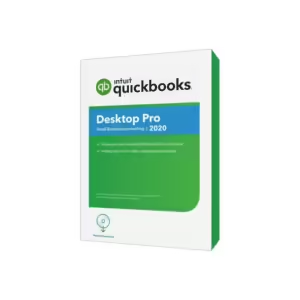
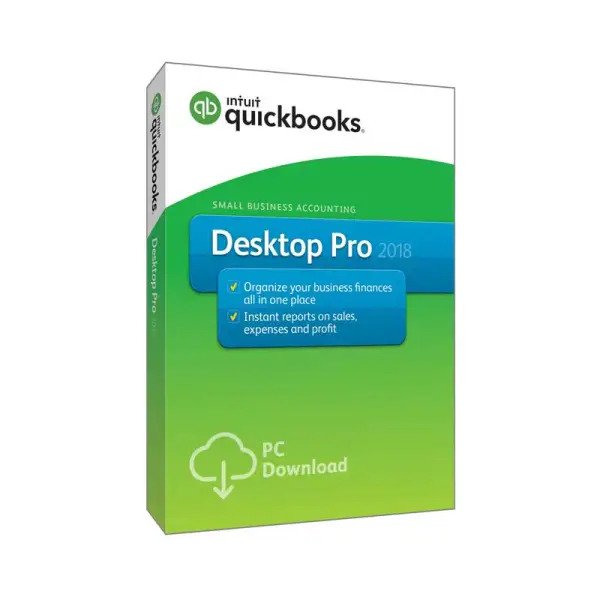
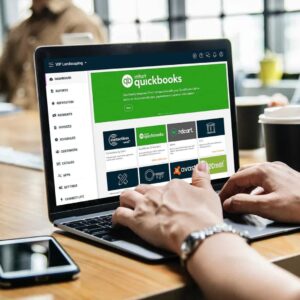


All about QuickBooks Desktop Pro 2018.
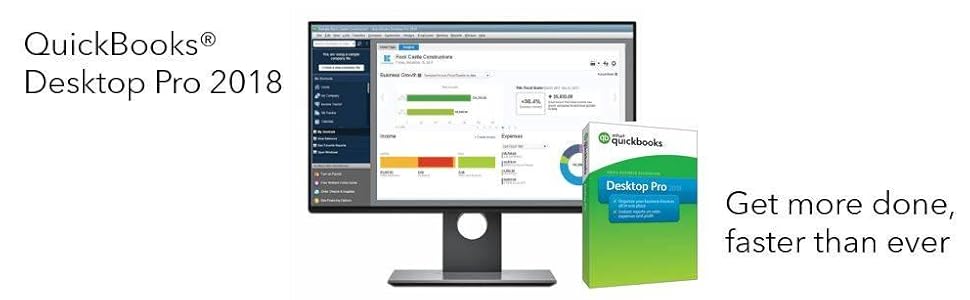
New to QuickBooks Desktop Pro 2018?
|
|
|
|
|
|---|---|---|---|
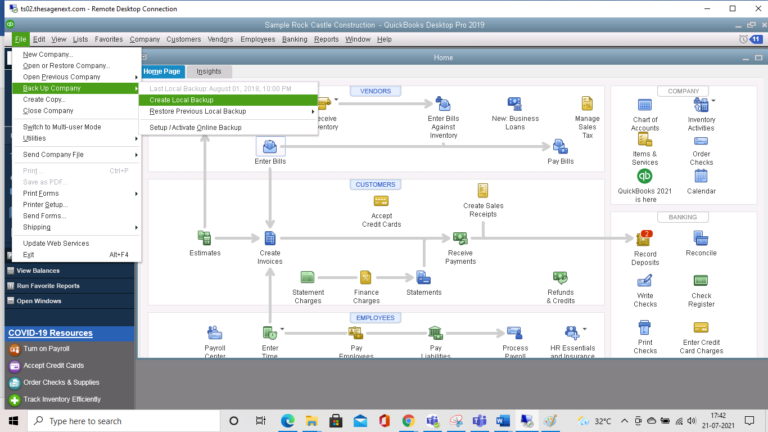
Everything you need to manage your small business accounting with QuickBooks Desktop Pro 2018– No accounting knowledge necessary – Simple setup and easy to use – Quickly import your data from a spreadsheet* – Step-by-step instructions show you how to create invoices, record expenses and more – 60 day money-back guarantee* |
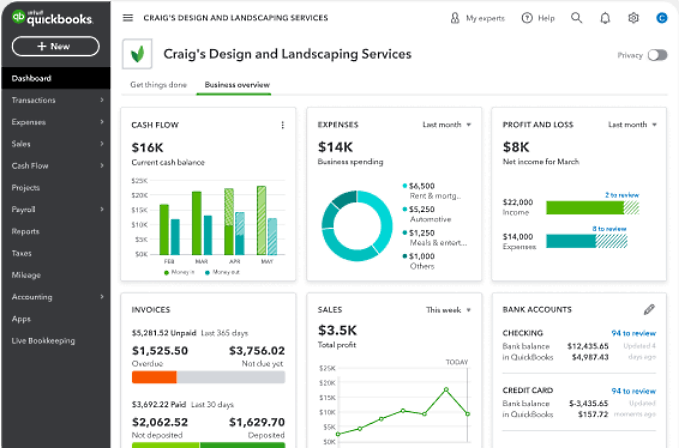
Save time on everyday tasks– Get paid faster with online invoicing* – Be ready at tax time with easy, reliable reports – Download your online bank transactions into QuickBooks* – Get the information you need with easy-to-use reports |
QuickBooks 2018 has what you need to boost your workflow– Help get customers to pay you faster with Past Due marked invoices – Compare business performance on a cash or accrual basis with one click – Save time with a new searchable Chart of Accounts |
Boost your productivity with multi-monitor set-up– Get your work done faster with multiple windows open across multiple monitors* |